Available on Android, iOS & TV

Stream Everything.
Beautifully.

Zylo Player lets you enjoy Live TV, Movies, and Series across all your devices using your own playlists and subscriptions.
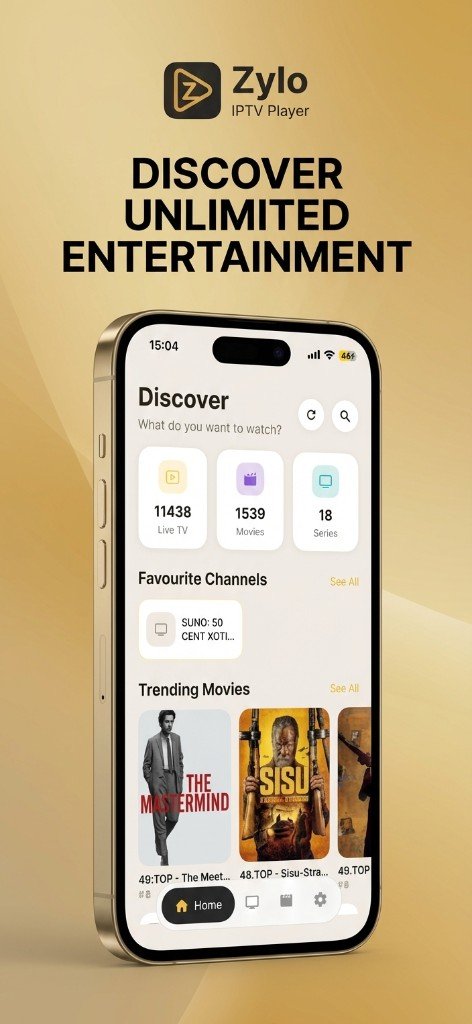
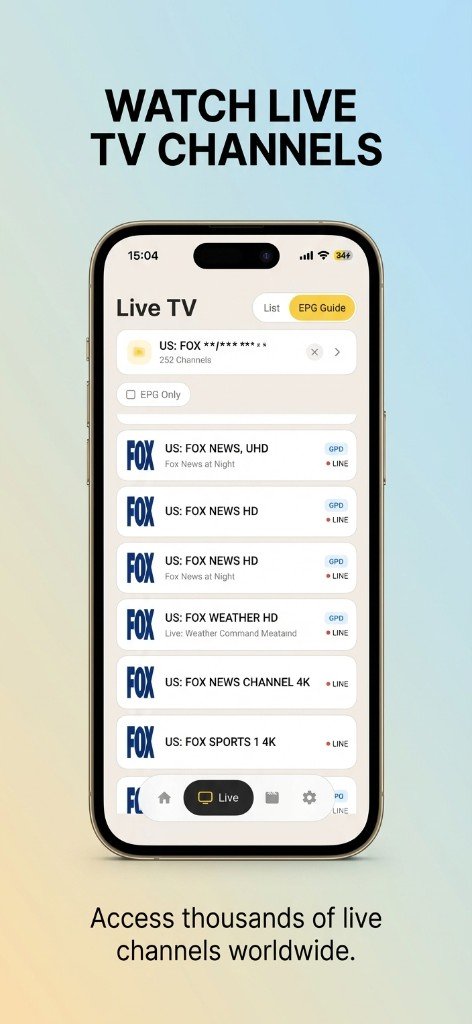
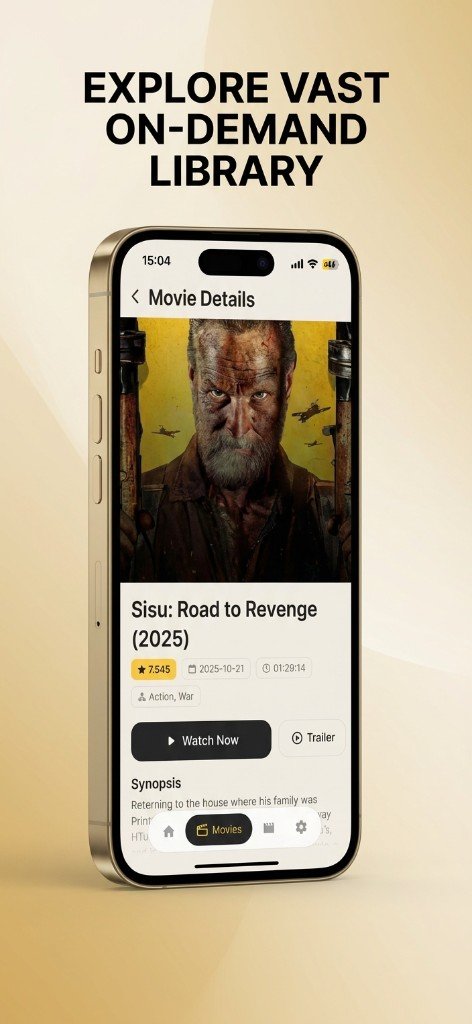
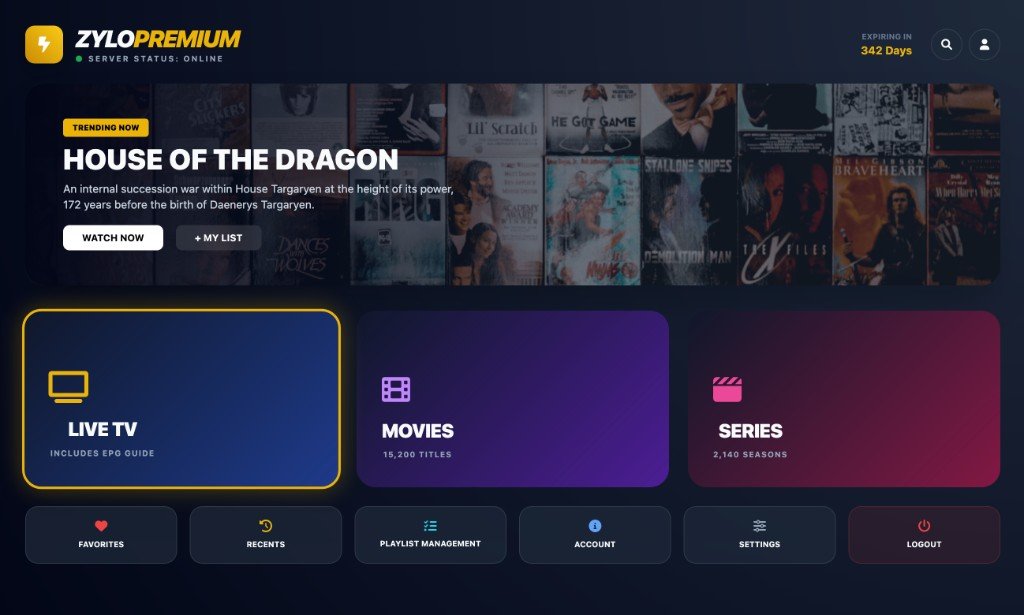
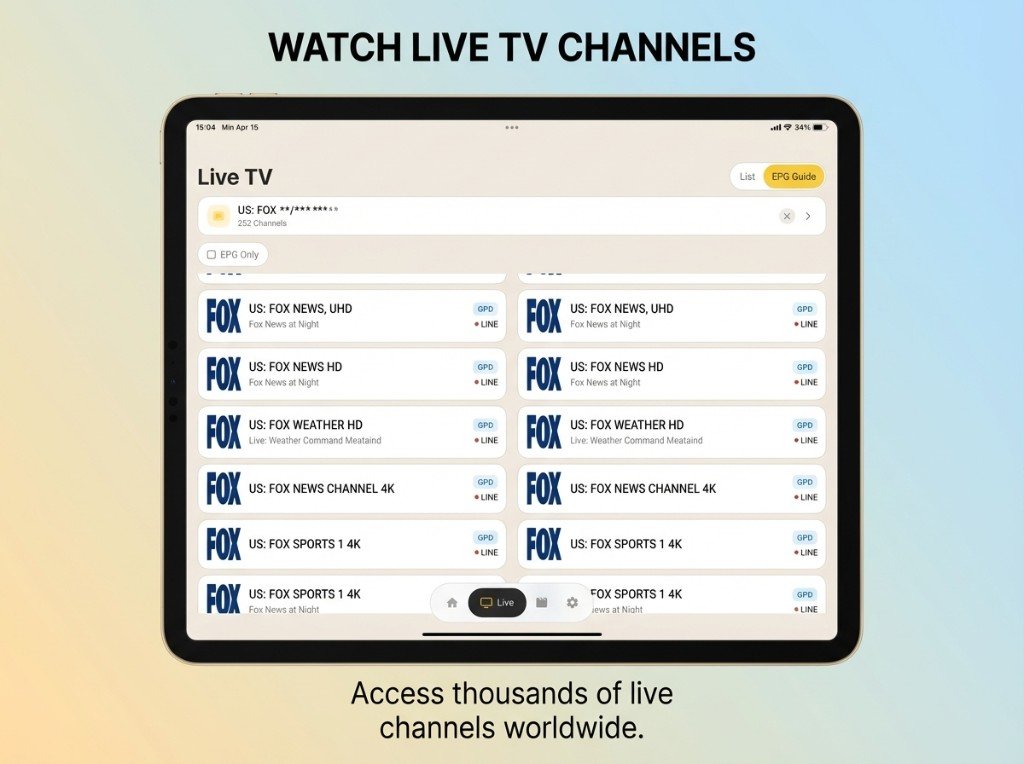
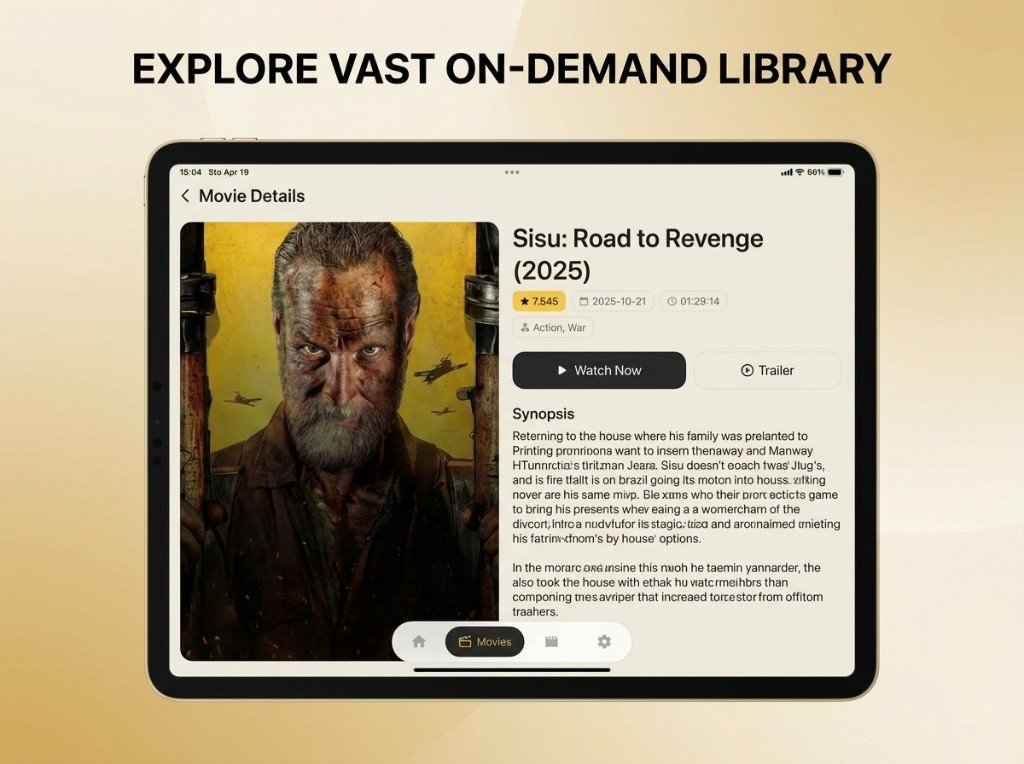
Zylo Player Home Screen Live TV Channels Movie Details
4+
Platforms Supported
3
Content Types
EPG
Program Guide
Free
To Download
Built for the Big Screen

The Ultimate
Android TV Experience

Zylo Player is designed from the ground up for Android TV, Google TV, and Fire TV. Navigate with your remote, enjoy a cinematic interface, and stream in full quality on the big screen.

Zylo Player on Android TV
Remote Ready
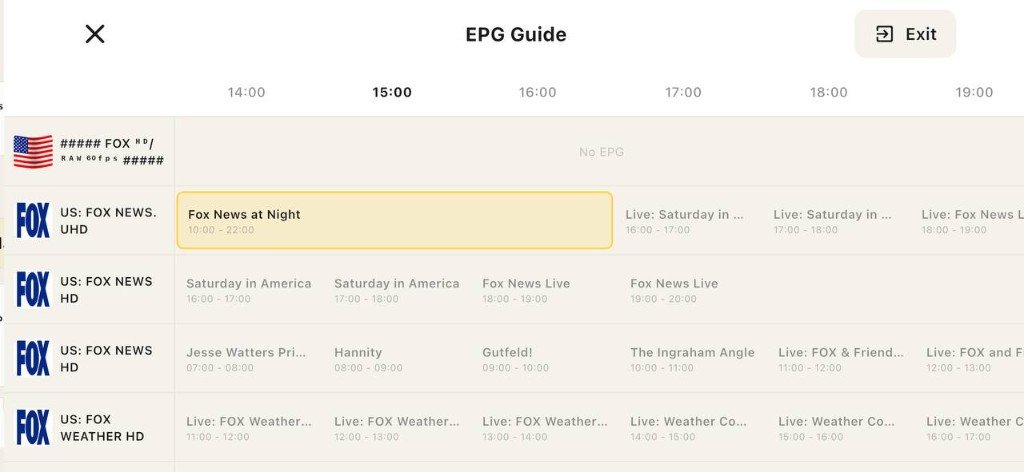
TV EPG Full Guide

Full EPG Guide on the big screen

Live TV with Full EPG

Browse channels with a full program guide, see what's on now and next, and switch channels instantly.

Movies & Series

Cinematic VOD browsing with posters, descriptions, and continue watching on the big screen.

D-Pad & Remote Optimized

Every screen is built for remote navigation. No mouse or touch needed - just your TV remote.

Remote Playlist Management

Add or manage playlists from your phone or computer via the web portal - no typing on TV.

Easy Installation

Use the Downloader app with code 6127666 or follow our step-by-step guide.

Compatible With

Android TV
Google TV
Fire TV / Fire Stick
Nvidia Shield
Chromecast with Google TV
Packed with Features

Everything You Need

A complete media player built for every screen size and device

Live TV Channels

Watch live channels with EPG guide, favorites, and channel number input. Organize your channels into bouquets for easy browsing.

  • Full EPG program guide
  • Favorites & channel search
  • Multi-audio & subtitle tracks
Live TV in Zylo Player

Movies & Series

Browse VOD content with rich details, categories, and a beautiful interface. Track your progress with continue watching support.

  • Continue Watching section
  • Episode progress tracking
  • Category browsing & search
Movies in Zylo Player

Electronic Program Guide

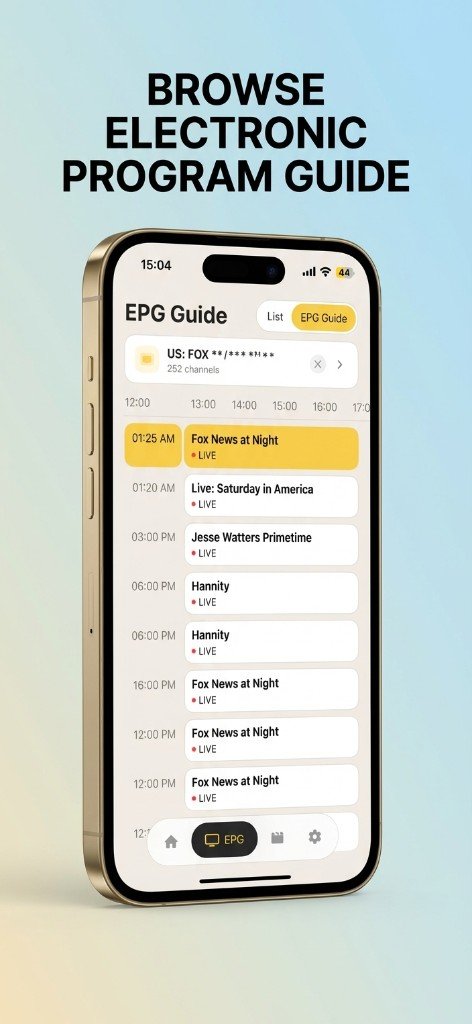
A full EPG experience showing current and upcoming programs. Never miss your favorite shows with the timeline view.

  • Timeline grid view
  • Now & Next info
  • Play directly from EPG
EPG Guide in Zylo Player

Parental Controls

PIN-lock adult categories to keep content safe for the whole family.

Remote Management

Add playlists from any browser using the web portal with your device MAC.

Dark & Light Themes

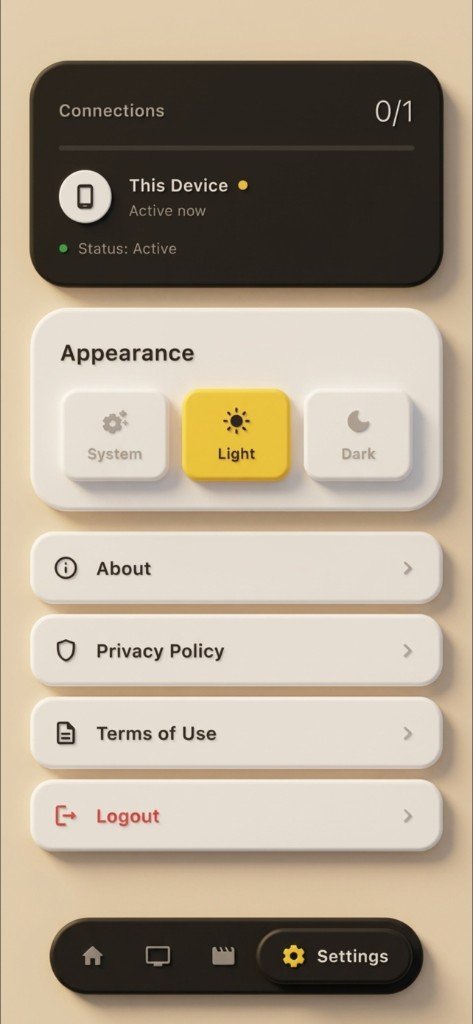
Switch between dark and light mode to match your preference.

App Preview

See It in Action

Beautiful on every screen

Home
Home
Live TV
Live TV
EPG Guide
EPG Guide
Movie Details
Movie Details
Settings
Settings
Zylo Player on iPad
iPad - Live TV
Zylo Player Movie on iPad
iPad - Movie Details
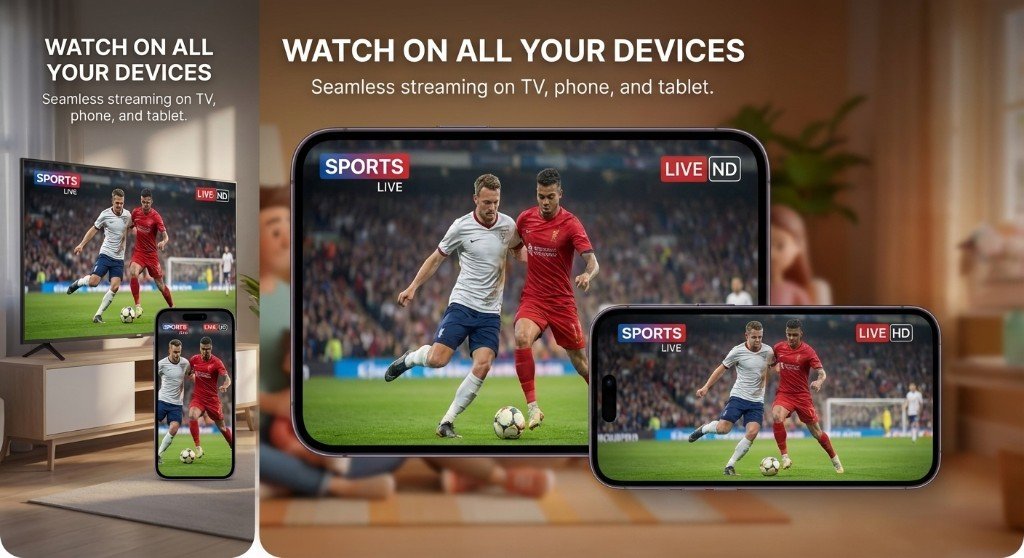
Zylo Player on all devices
Multi-Device

One App, Every Screen

Whether you're on your phone, tablet, or TV, Zylo Player adapts its interface for the best experience on every device.

Android
iPhone
Android TV
Fire TV

Get Started in Minutes

Three simple steps to start streaming

1

Download the App

Get Zylo Player free from Google Play or download the APK for your Android TV.

2

Add Your Playlist

Enter your M3U URL or Xtream Codes credentials directly in the app or via the web portal.

3

Start Streaming

Enjoy Live TV, Movies, and Series with a beautiful interface on any device.

Download Zylo Player

Free to download. Available on all major platforms.

The free version includes ads. Optional in-app purchases are available to remove ads and unlock additional features.

Frequently Asked Questions

Everything you need to know about Zylo Player

What is Zylo Player?

Zylo Player is a media player application that lets you play Live TV channels, Movies, and Series using your own IPTV subscription or playlist. It supports Xtream Codes API and M3U playlist formats. Zylo Player does not provide, host, or distribute any media content.

Does Zylo Player provide content?

No. Zylo Player is a player application only. You need your own IPTV subscription or playlist (M3U URL or Xtream Codes credentials) to watch content. We do not host, stream, or supply any channels, movies, or series.

Which devices are supported?

Zylo Player works on Android phones and tablets, iPhone and iPad, and Android TV / Google TV / Fire TV devices.

How do I add my playlist?

You can add your playlist directly in the app settings, or remotely via the web portal at zyloplayer.com/portal using your device MAC address and key.

Does the app contain ads?

The free version of Zylo Player displays advertisements. You can remove ads through an optional in-app purchase available within the app.

How do I install on my TV?

Visit our TV download page at zyloplayer.com/download/tv to get the APK and full installation instructions. You can also use the Downloader app on your Fire TV with code 6127666.

Is my data safe?

Your playlist data stays on your device. No account is required for basic use. We take privacy seriously and do not share your information with third parties.

Ready to Stream?

Download Zylo Player today and enjoy Live TV, Movies, and Series on any device.